DIY Wireless Charging Pad
3D printable wireless charging pad housing for USB-C dual coil boards. Includes parts in PLA and TPU for a full DIY build.
3D printable wireless charging pad housing for USB-C dual coil boards. Includes parts in PLA and TPU for a full DIY build.
Printing Tips
Printing Technology: FDM
Layer Height: 0.2 mm
Perimeters: 4
Infill: 10%
Infill Pattern: Gyroid
Recommended Material: TPU for top and bottom cover, PETG or ABS for frame.
Supports: No
Support Type: None
Notes:
Designed as an attempt to create an LED free charging pad, this DIY design requires no screws to assemble.
Disclaimer:
This was tested with charging and had no issues, however, I make no claims about the safety or reliability of this.
Use at your own risk.
Links to Materials
Disclosure: As an Amazon Associate I earn from qualifying purchases.
Assembly Instructions
- Print all pieces
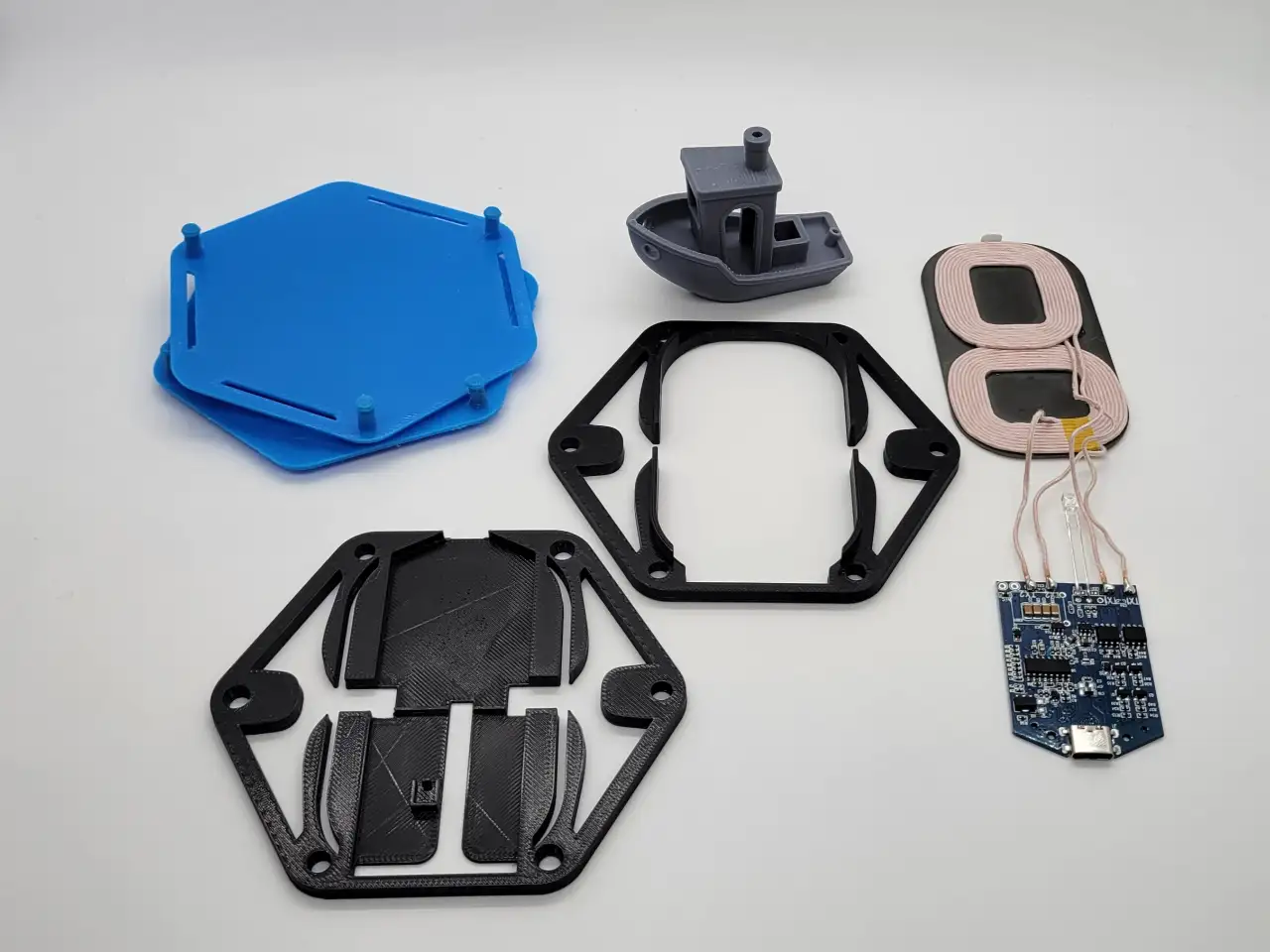
- Insert coil housing into board housing
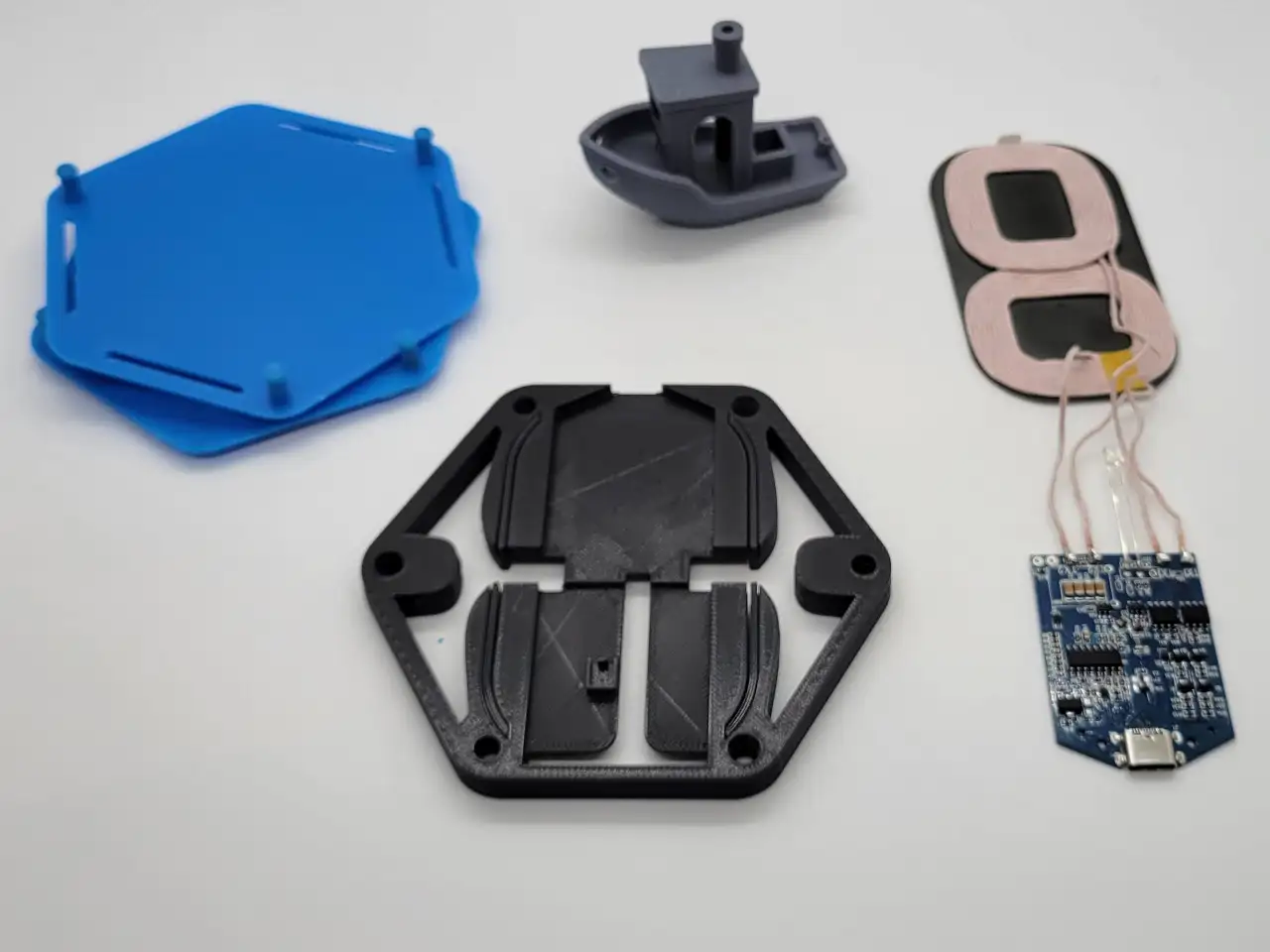
- Slide board through the opening in the board housing.
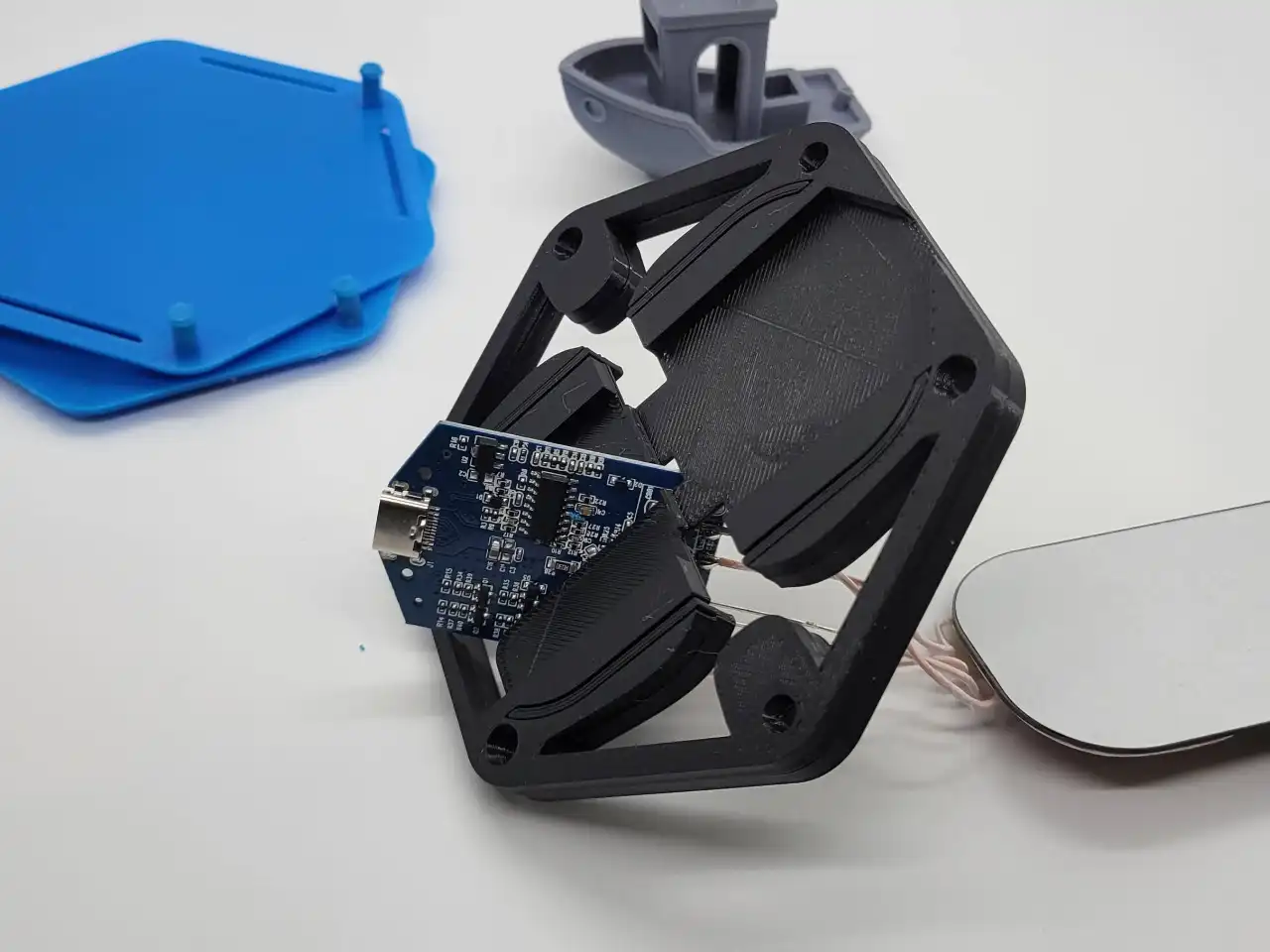
- Gently press board into place with USB C side at the opening. Push LED into LED housing.
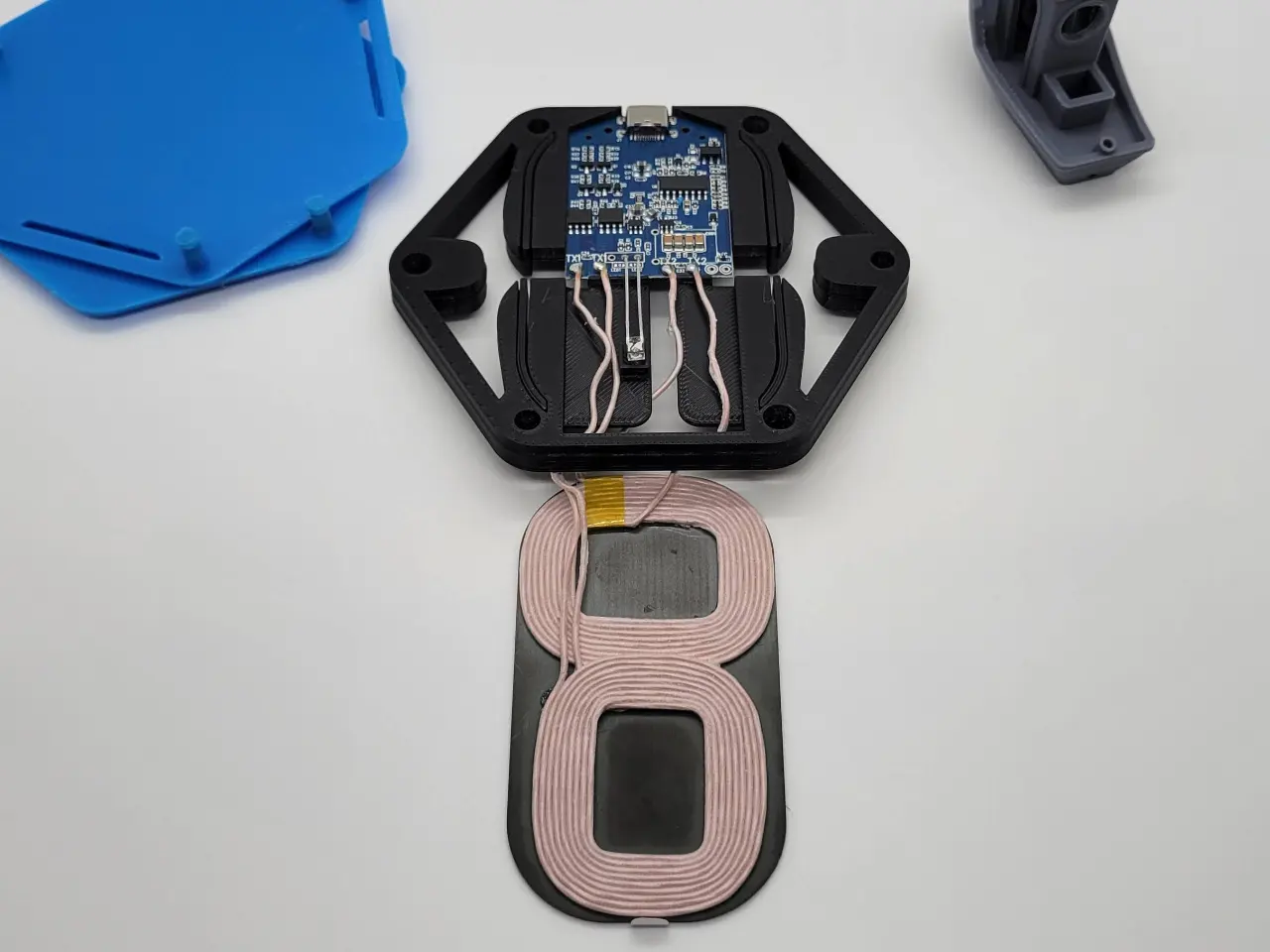
- Arrange wires so they are on the sides of the coil board and gently press coil board into place.
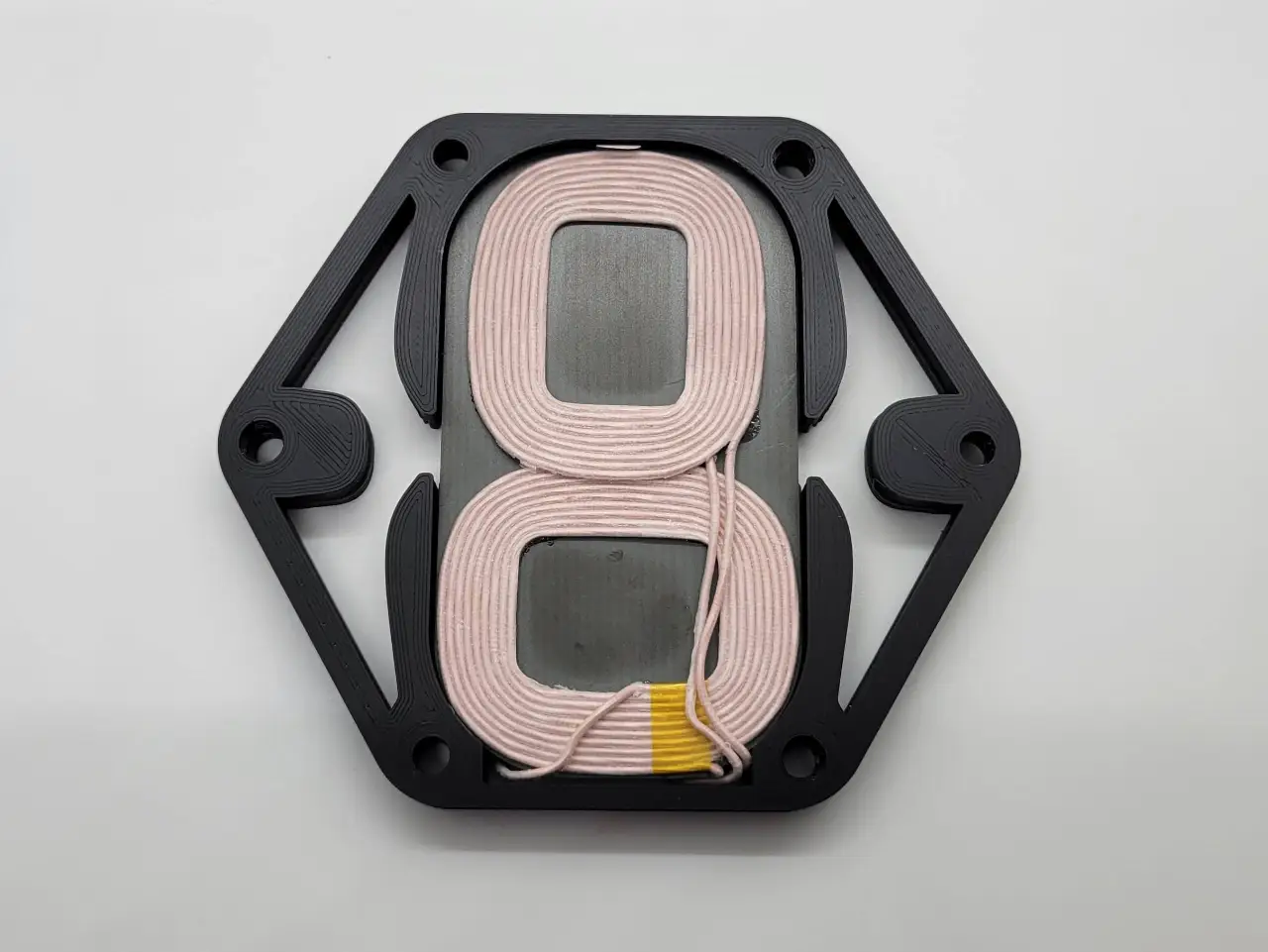
- Insert top cover so vents are on opposite sides of the USB C connector and pin is on the right. Press into place. Repeat for bottom cover.
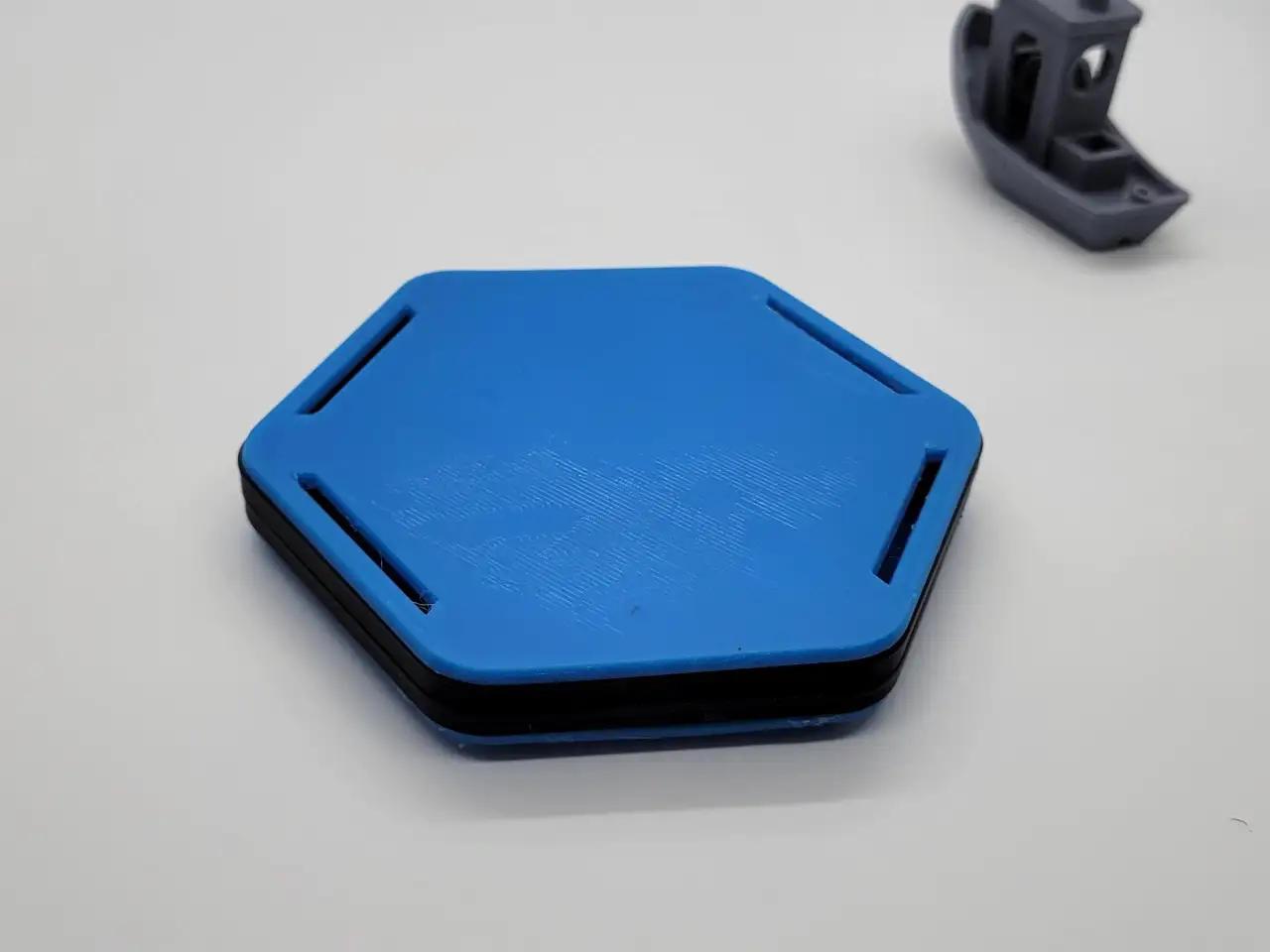
- Insert feet
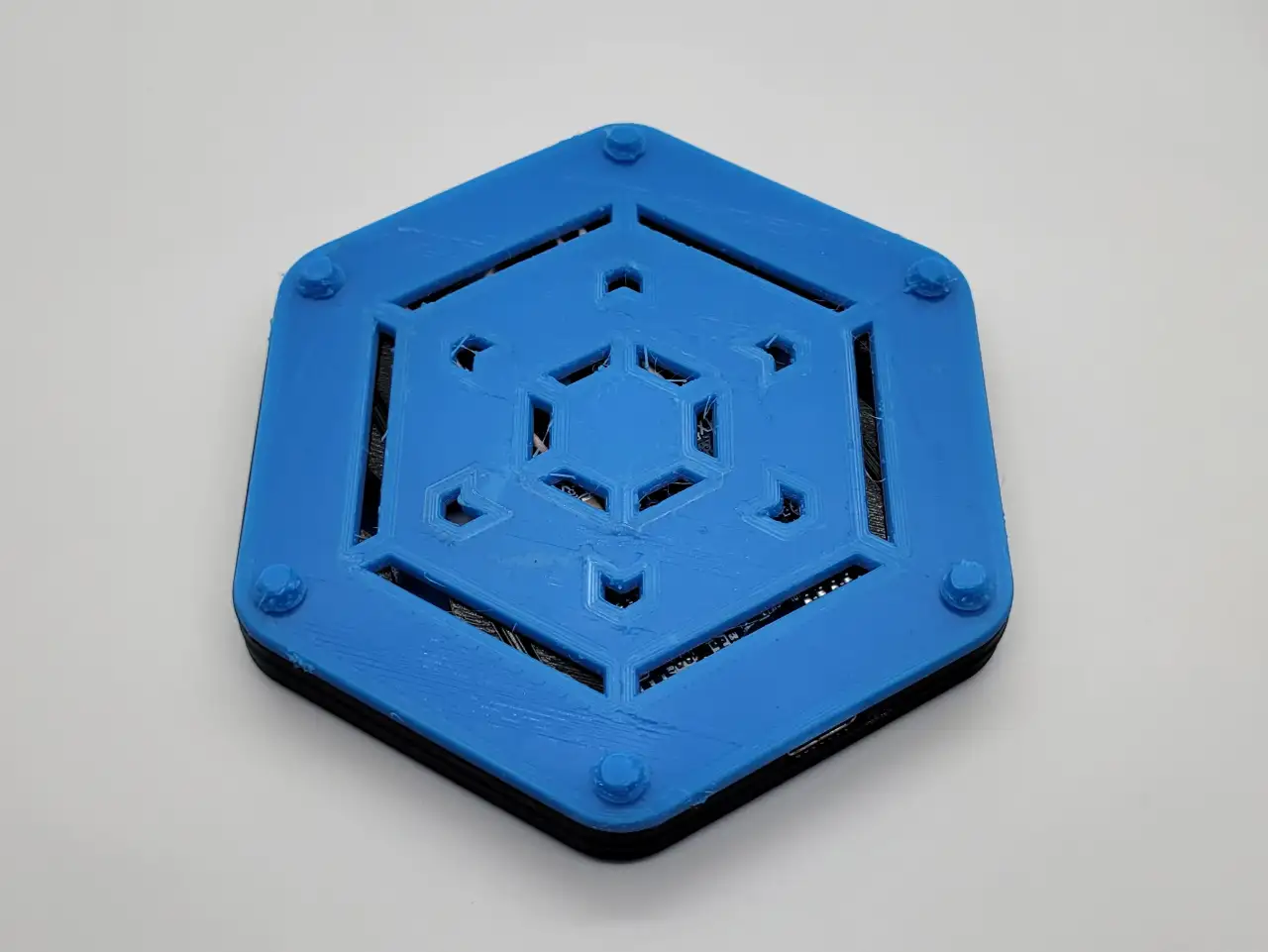
- Plug in and charge!
Customize Model
By using the customization software, you agree to our Privacy Policy, Terms of Service, Disclaimer, EULA, and Cookie Policy.
Measure twice, customize once.
Something doesn't look right, or not sure what a setting means?
Download your design
Choose a file below and open it in your slicer. For designs with several components, download every part you need. Original files use the design defaults; your customized files appear here after generation.
Original files use the font saved in the design. To choose an available font for a new result, use Font at the top of Customize. Design default keeps the saved font.
Legal Disclaimer:
The files provided here are for personal, non-commercial use only. Redistribution, modification, or commercial use is not allowed without prior written consent from Lunar Prototypes.
Batch runs are a 3-step flow. You can revisit any step at any time.