1
Choose a design
Browse the catalog for a design that fits the job. Use the original model if its default dimensions work for you.
Choose a design, adjust the important dimensions in your browser, and download the generated model files.
No CAD required.
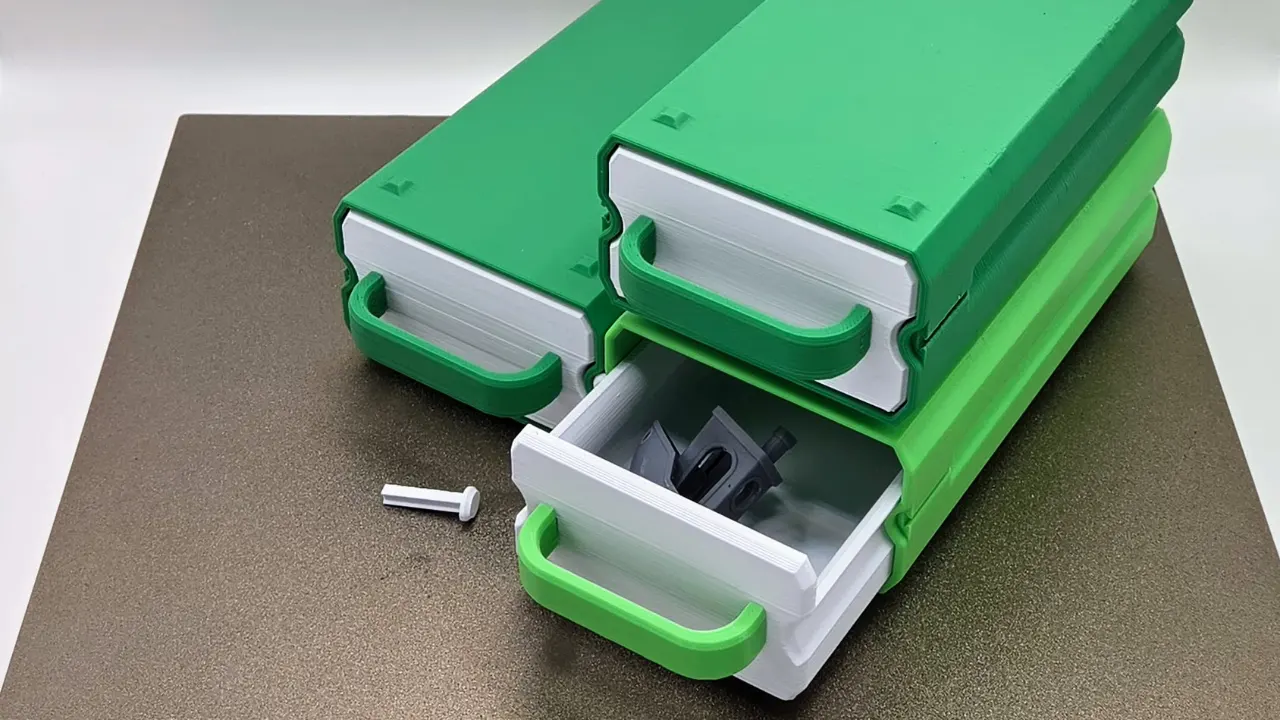
Follow one design from the catalog to the finished print. The drawer below shows each step.
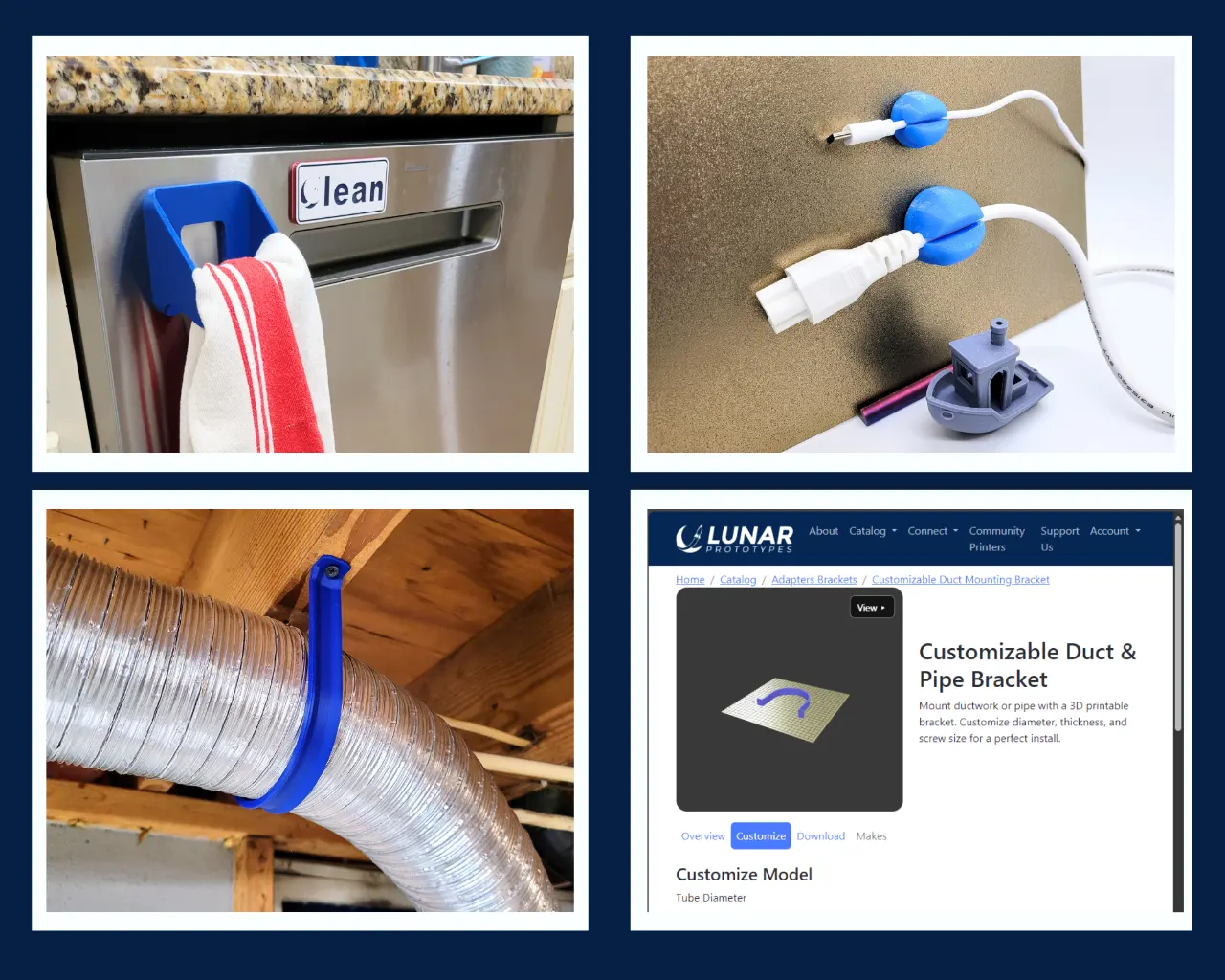
Browse the catalog for a design that fits the job. Use the original model if its default dimensions work for you.
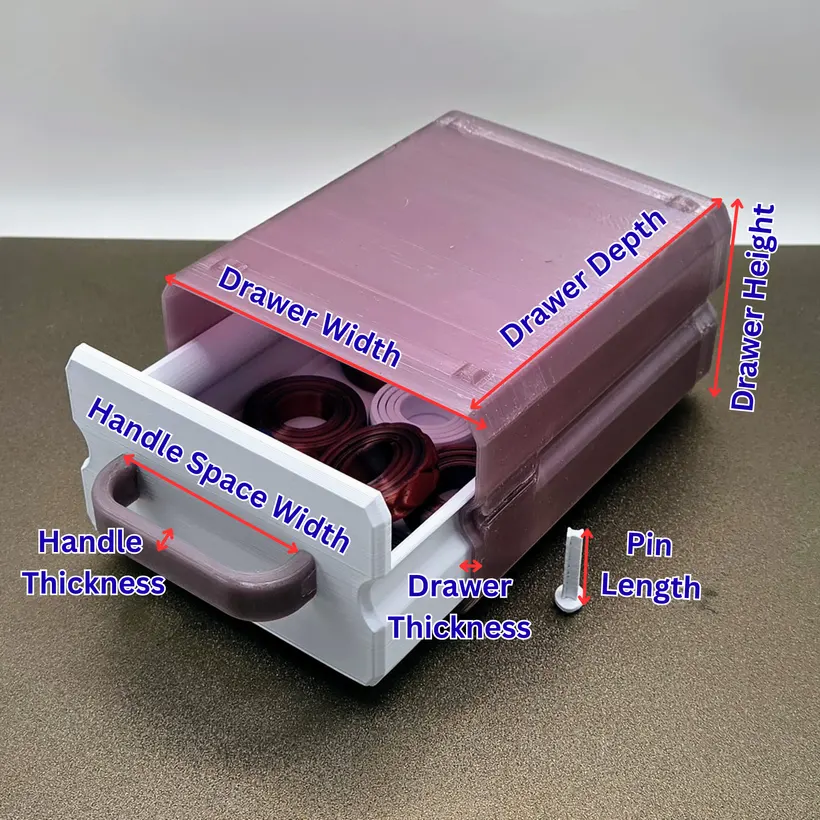
Open Customize, enter your measurements, and generate the files. Use the diagram to see where to measure for the drawer. See the drawer design.
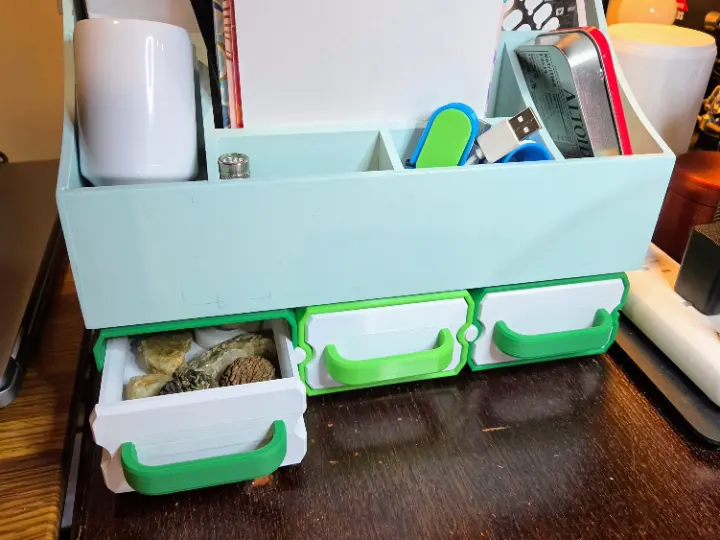
Download the model, check its dimensions in your slicer, then print it yourself or use a local printer.
Every account includes 3 customizations. Need more? Purchase 5 additional customizations for $5.
Purchased customizations expire after six months. You only use a customization when your model is successfully generated and made available.
See pricing detailsWe use personal information to run the service and respond to requests. Read our Privacy overview, Privacy Policy and Security overview.
Size, stack and connect drawers for your workspace and small parts.
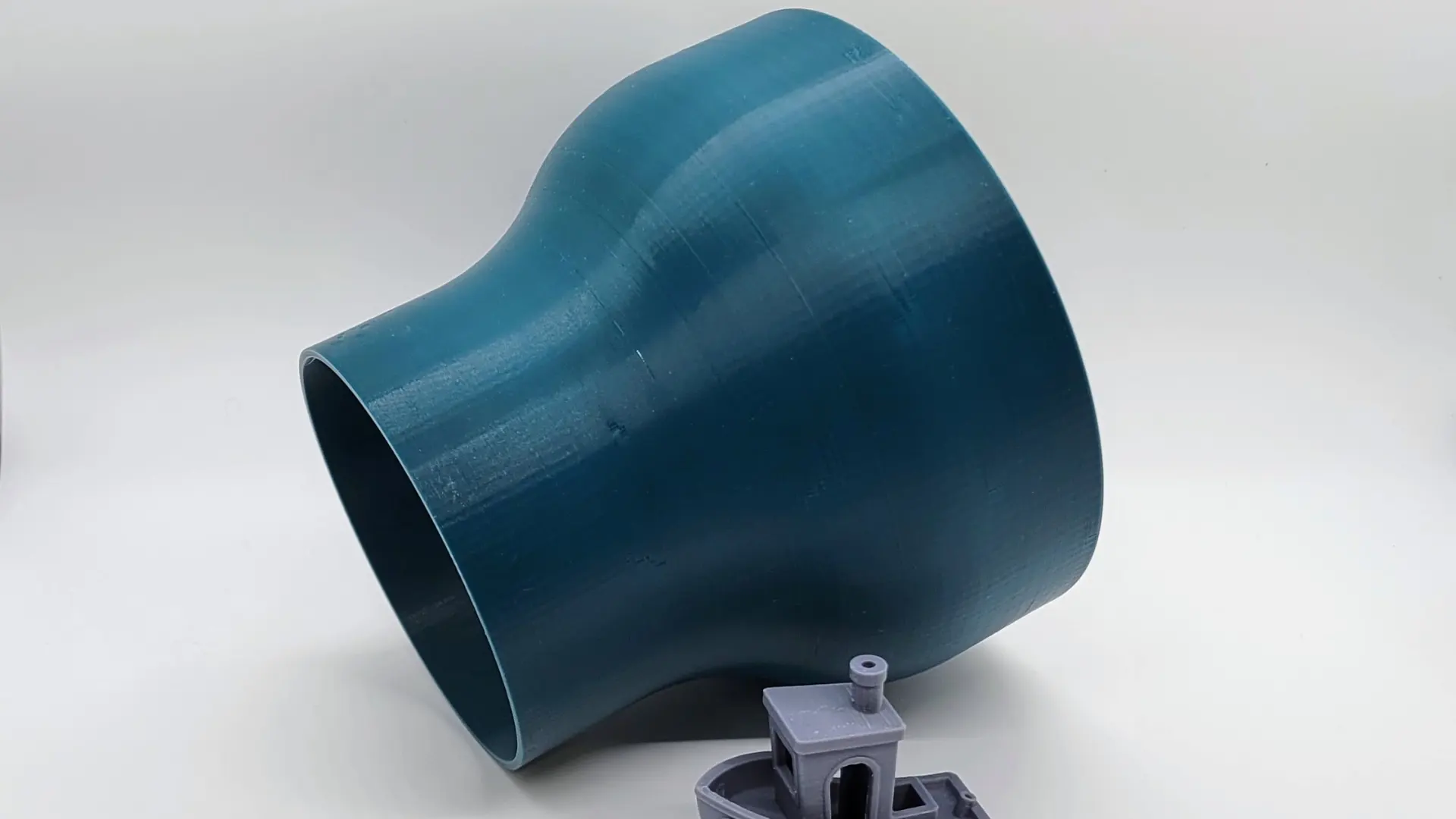
Connect round duct sizes with an adapter made to your measurements.
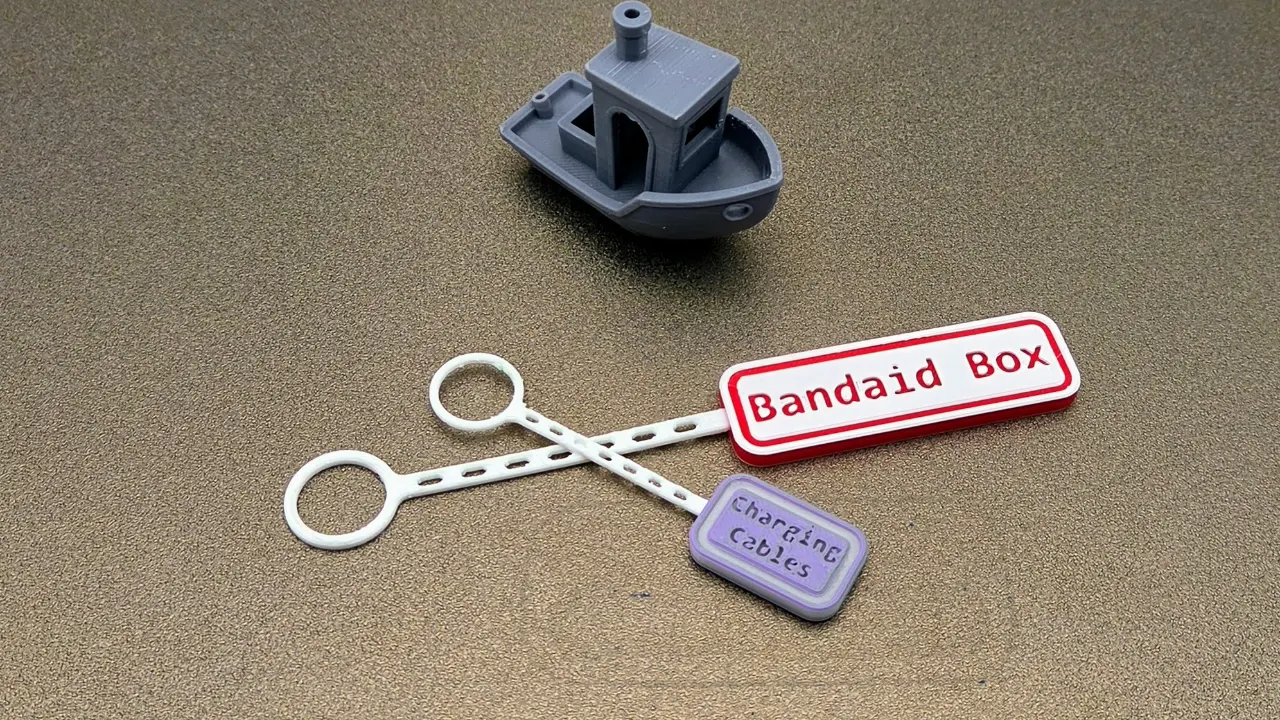
Customize the text, tag size and flexible strap without extra hardware.
Repair instead of replacing. Make the part you need, when you need it, and extend the useful life of what you already own. Local, on-demand printing can avoid unnecessary shipping and excess production.
A small part customized to your measurements may use only a few grams of filament already on hand. Producing the correct size locally can avoid ordering a bulk pack, shipping it long distance, and being left with parts that never fit or get used.
Use the printer and material available to you, make the quantity required, and adjust the design when the surrounding equipment changes.